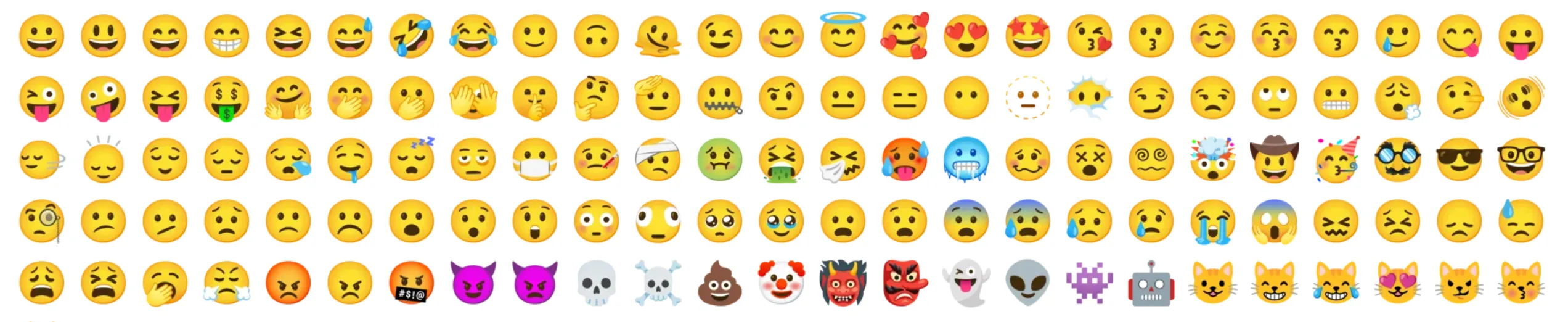
Google Emojis on MacOS Firefox
Recently, I got myself a new MacBook which I really enjoy using for programming work on the go. It is nice to have a change of environment instead of always doing work at the desktop :) However, there is something that always bothers me a little when using the MacBook — the emoji style.


Being used to the fun and flat style of Google’s Noto Color Emoji, I spent some time to research if it was possible to change the emoji style on MacOS. I wanted to replace the emoji style across the OS, but after trying a few suggestions I could not get that to work. However, I did manage to figure out how to change the emoji style on Firefox so I want to share how I did it!
The rough steps are as follows:
1. Download & install the emoji font
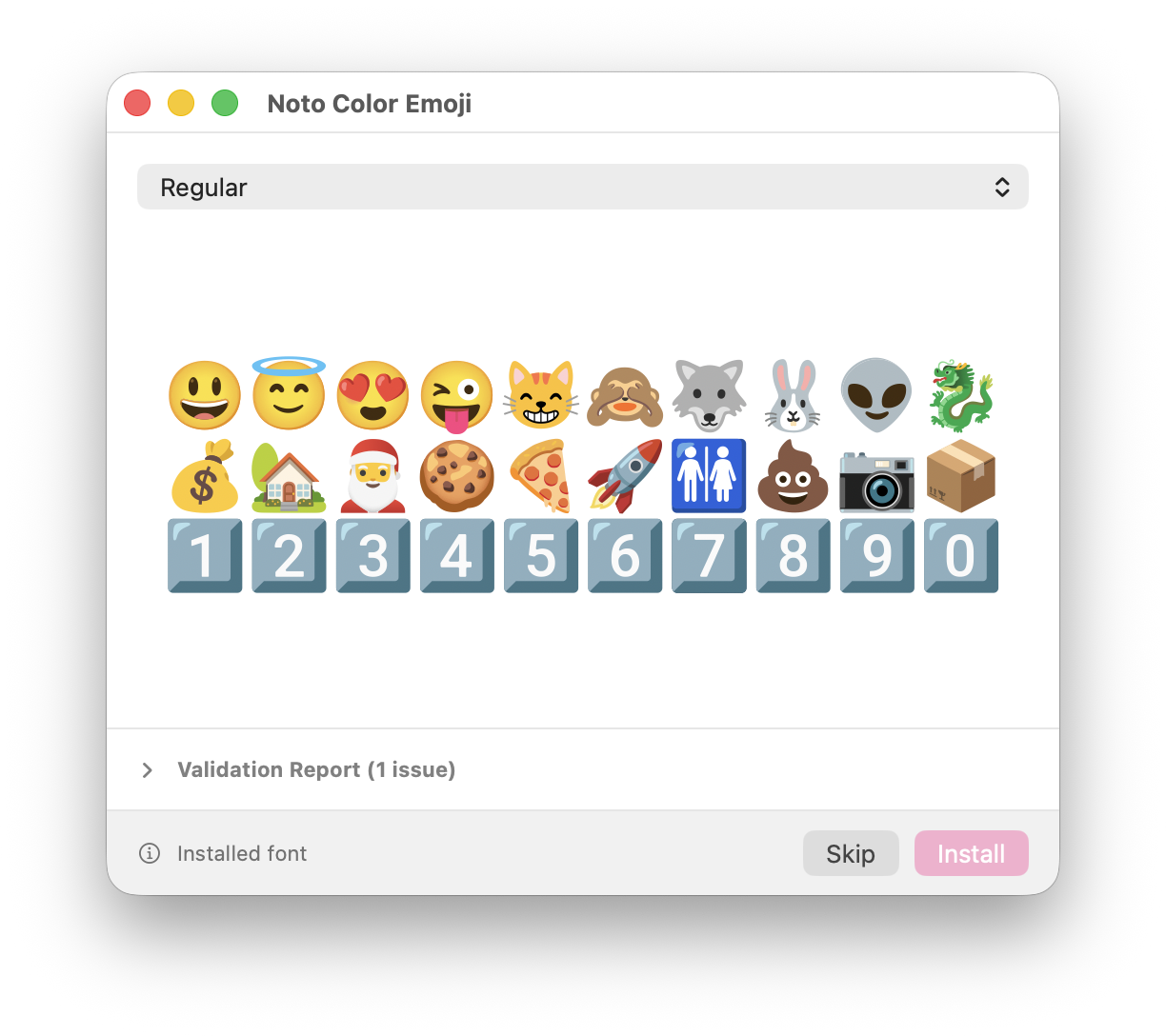
Simply search for the emoji style that you want and download the emoji font file. It’s file extension should end with .ttf or .otf. Then, open Finder and double click on the font file. It should open a Font Book installer where you can press Install.
2. Edit about:config
In the Firefox address bar, type about:config and accept the warning. You will need to change or add the following two preferences:
| Preference Name | Value |
|---|---|
font.name-list.emoji | Noto Color Emoji (replace with your emoji font name) |
toolkit.legacyUserProfileCustomizations.stylesheets | true |
The first preference overrides the default emoji font used by Firefox. This replaces the emojis used in Firefox’s UI and some websites, however it does not override the emojis in most websites.
The second preference enables using a custom css file in Firefox, which basically allows us to style Firefox to our liking. We will use it to override the emojis in the remainder of websites :)
P.S. The name of the font is the name of the font in Font Book
3. Add a custom css override file to Firefox
Again in the Firefox address bar, type about:support. Now scroll down to the table until a row that says “Profile Folder”, and click on “Show in Finder”.

Inside this profile folder, create a new folder called chrome. Inside this chrome folder, create a userContent.css file with the following code contents.
This code basically tells the browser to use “Noto Color Emoji” in place of the emoji font which MacOS usually injects.
P.S. It might be easier to create this file from the terminal
@font-face {
    font-family: "Apple Color Emoji";
    src: local("Noto Color Emoji"); /* replace with your emoji font name */
}
And that’s all! After restarting Firefox, you should see Google’s Emoji on every website now :)